
Simple from the first scan
Four steps. One smooth charge.
With MGLBG Charge, starting a charging session is clear from the moment you arrive.
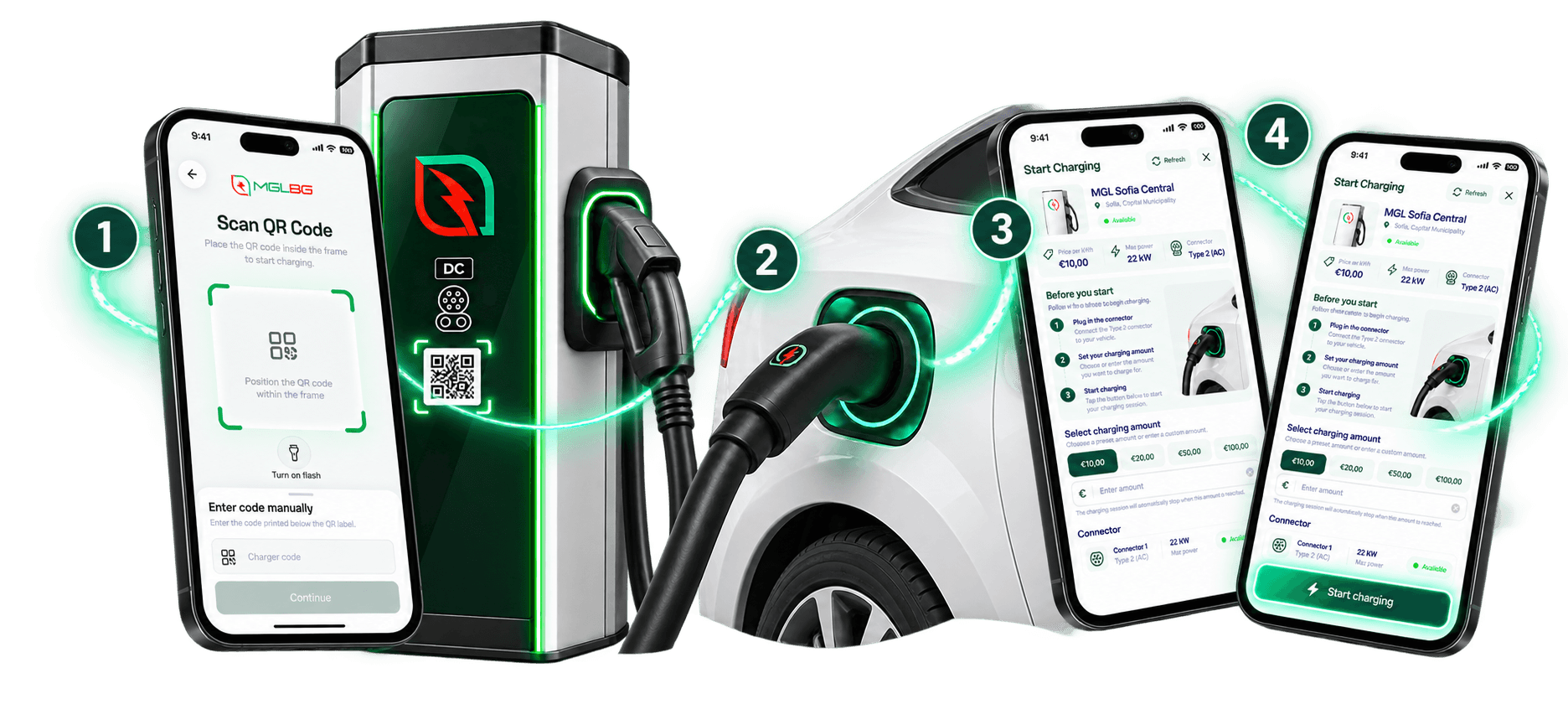
Start charging in four steps
Step 1
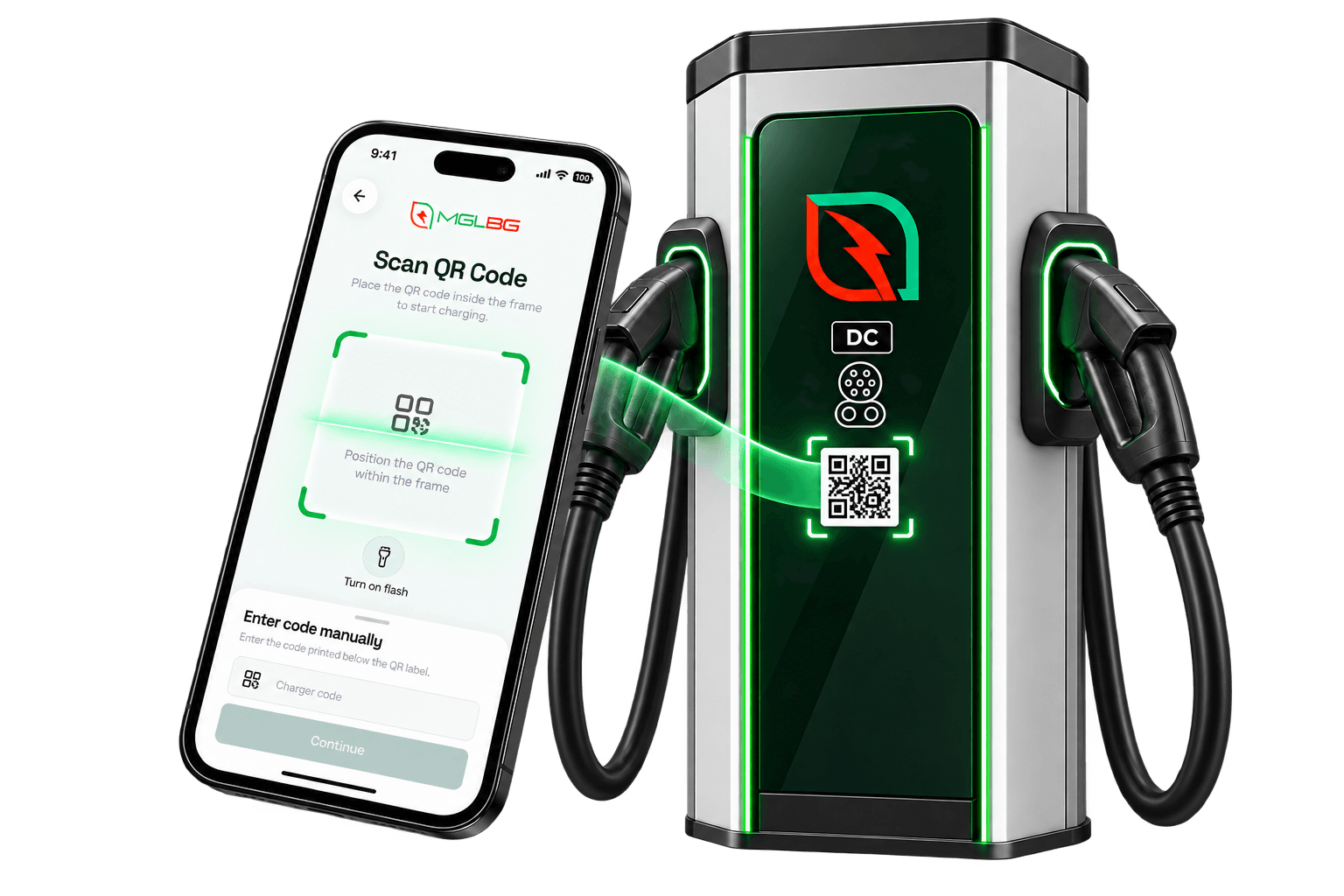
Scan the QR code
Scan the code on the station first and wait for the app to confirm the charging point.
Good to know: Scan and confirm the station in the app before connecting the charging cable.
Step 2
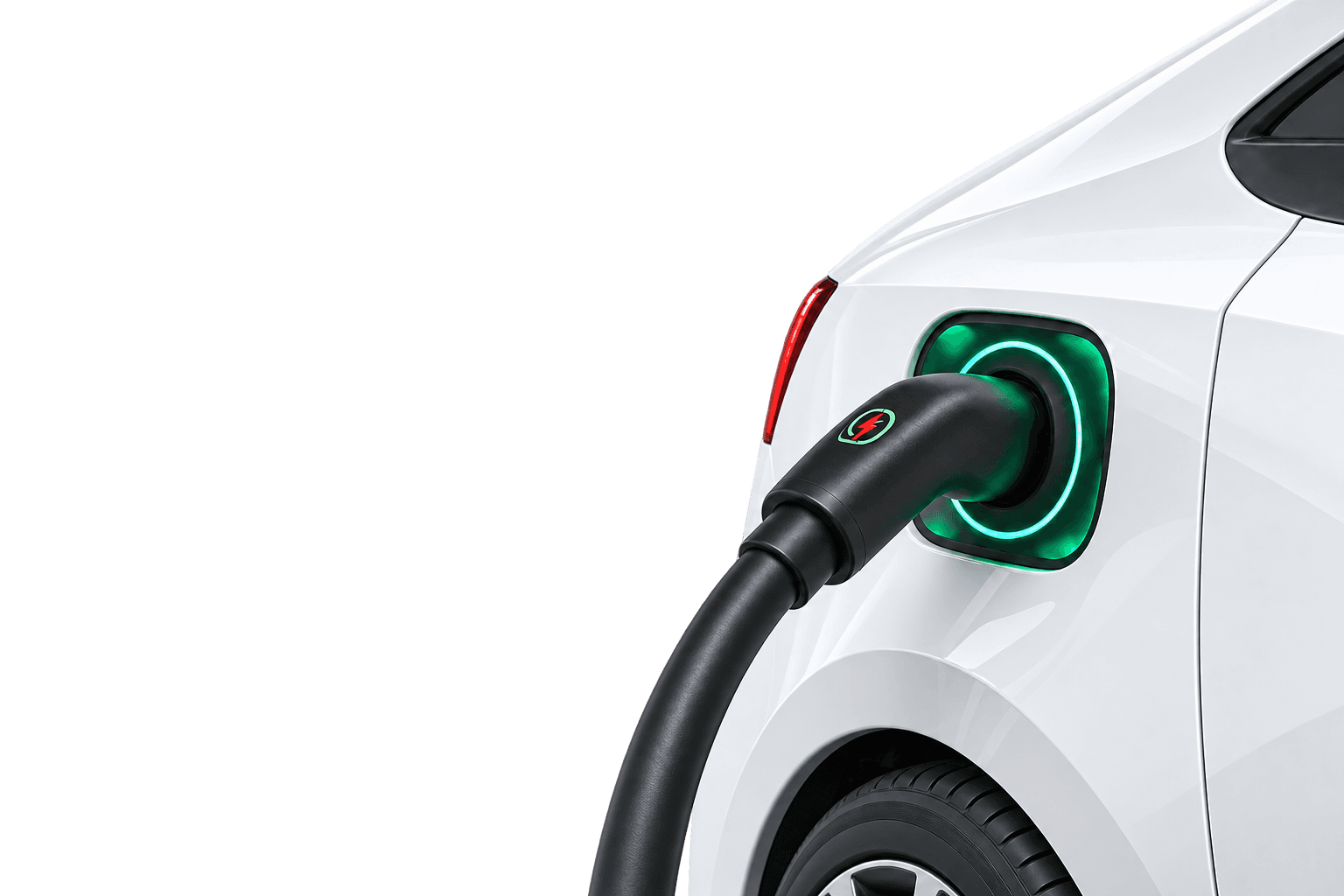
Connect your vehicle
Once the station is confirmed, plug the right cable or connector into your vehicle.
Step 3
Choose your amount
Pick one of the suggested amounts or set your own charging limit.
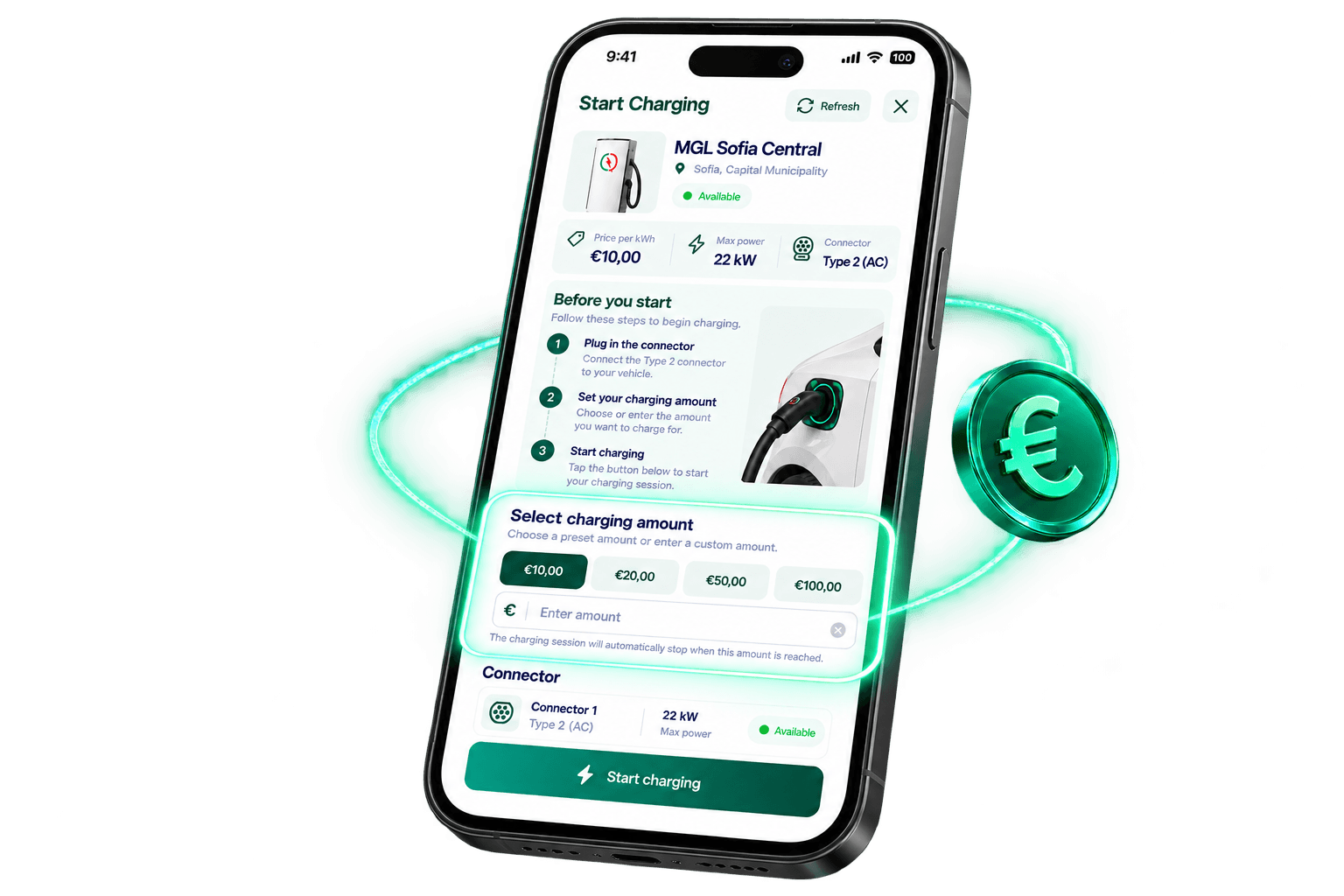
Step 4
Start charging
Check the details, tap “Start charging” and you’re good to go.
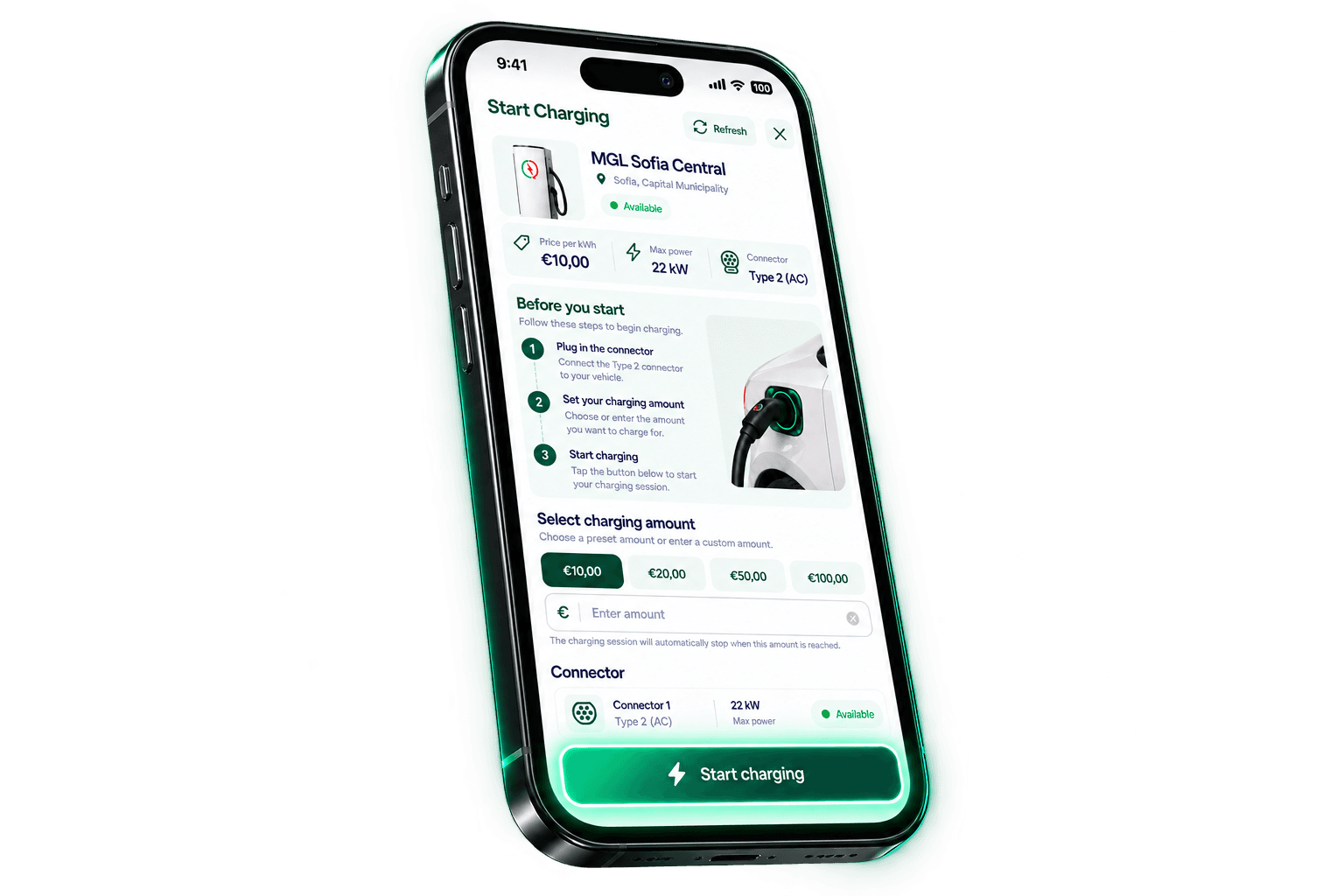
A quick check before you charge
A few seconds now can make the start of your session smoother.
- Phone with an internet connection
- App installed
- Payment method added
- Vehicle parked safely
Frequently asked questions
Straightforward answers to common charging questions.
Do I need an account to charge?
Yes. Charging is started from your signed-in MGLBG Charge account. Your account also keeps your payment methods and charging history together.
How do I pay for charging?
Pay in the app using a payment method added to your profile. Before the session starts, choose a charging amount; the session stops when that limit is reached.
How long does charging take?
Charging time depends on the charger's power, your vehicle's charging capability and the battery level. During the session, the app shows the available charging information in real time.
Ready for your next charge?
Keep station discovery, payment and charging-session management together with MGLBG Charge.